Skoolu Office
Families see their child’s records from Office, with a notice when something new is published, such as a result, a fee or a circular.
Visit office.skoolu.aiThe Skoolu parent app · Part of the Skoolu family
See published results with teacher guidance, school notices, schedules and messages for each of your children. Your school decides what it shares, and you see only your own children.
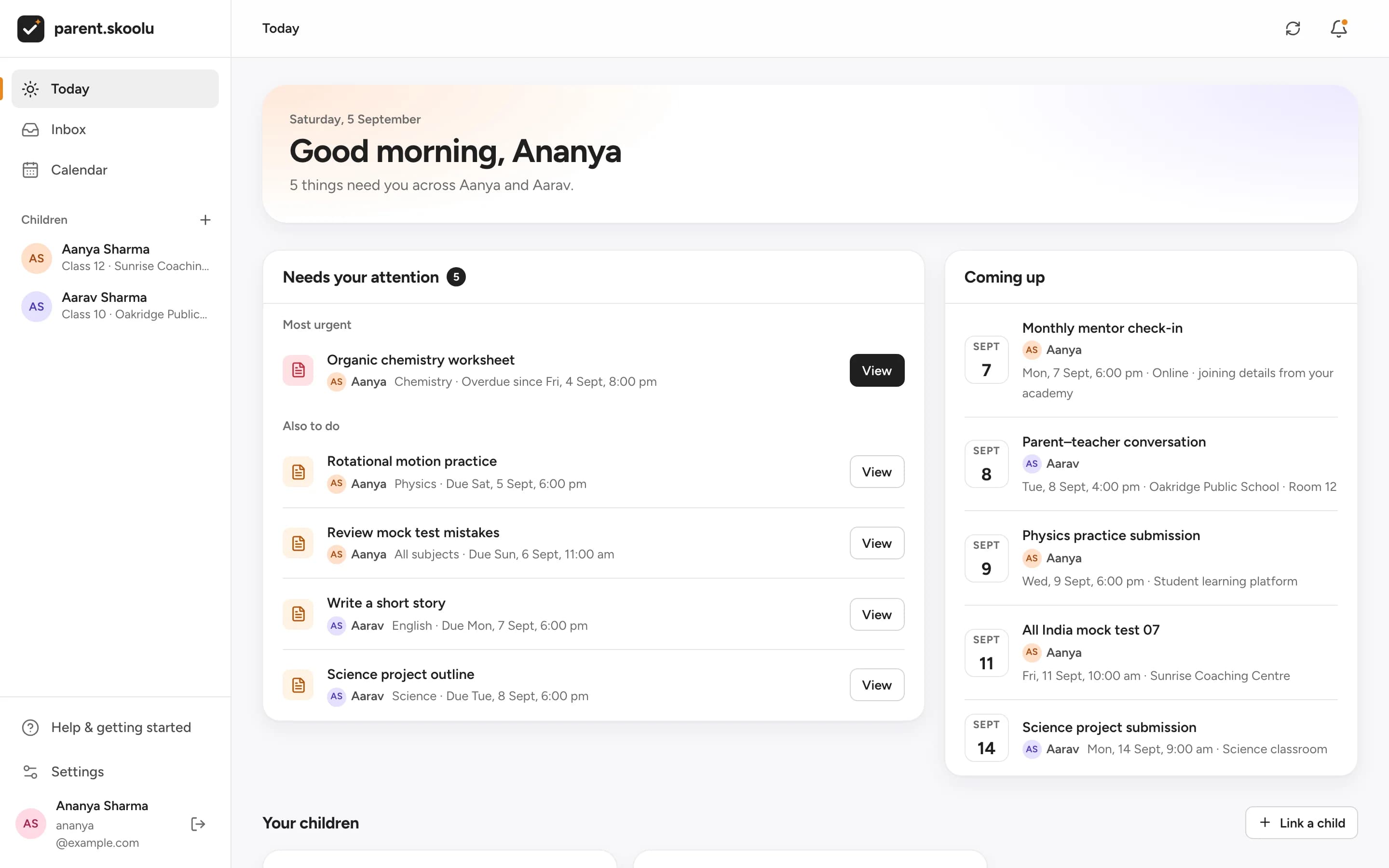
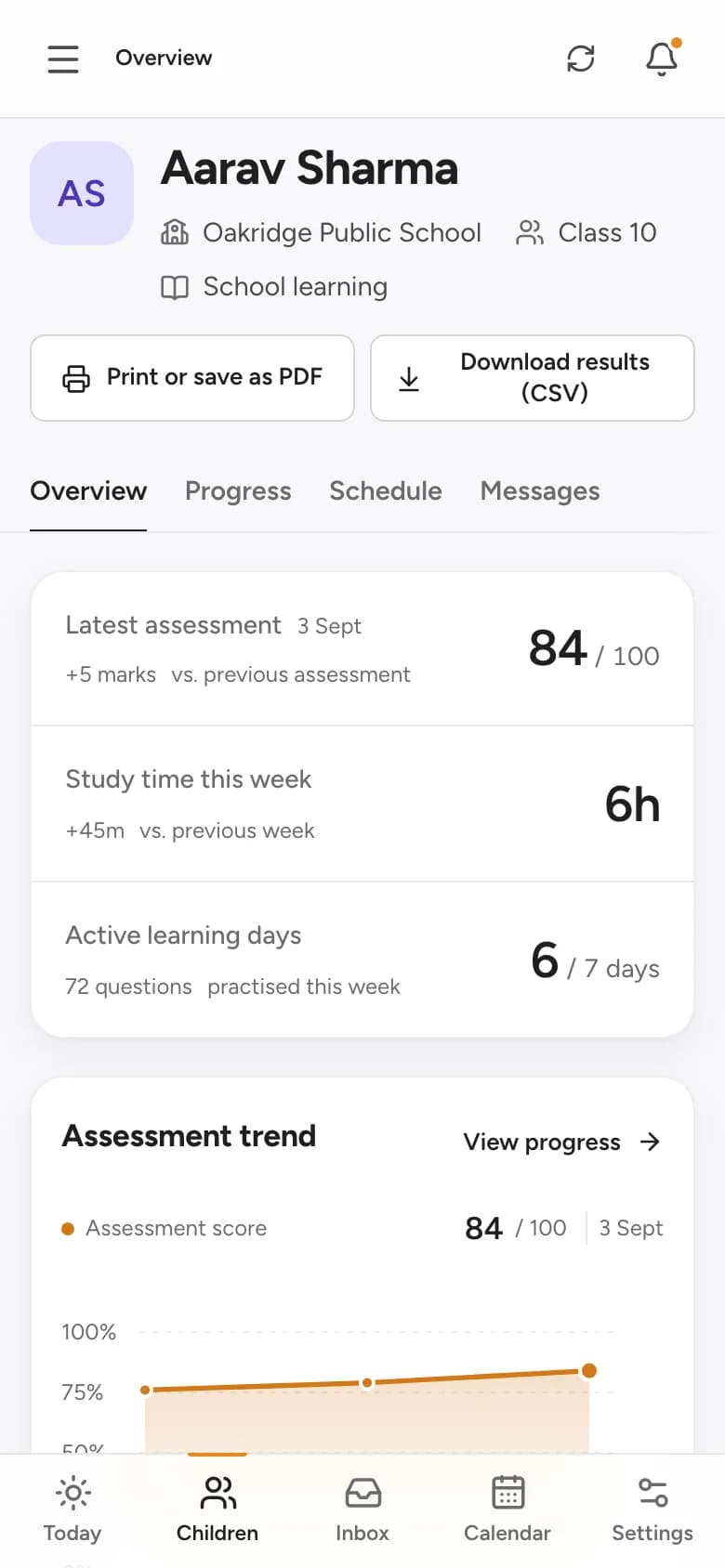
Sample school with synthetic data
You see only the children linked to your account, from each school that connects.
The school chooses what to share and when. Missing information is not a judgement about your child.
We do not sell personal data or show advertising, and we never use your information or your child’s to train or improve any AI model.
Opens in your browser. Add it to your home screen and it opens like an app.
Everything your child’s school shares with you, in one place.
Results and feedback, shared after a teacher reviews them.
Practical ways to help with what your child is learning.
Deadlines your child’s school has shared.
Sign in to view your linked children.
Use your school’s own sign-in page. You’ll come straight back here.
Type at least 3 letters of the school’s name.
Or sign in another way
Use your email address to access parent.skoolu.
Getting started
Only your school can invite you, so each family sees its own children and nobody else’s.
Your school connects your account to your children and decides what to publish. What you see depends on the services your school has connected.
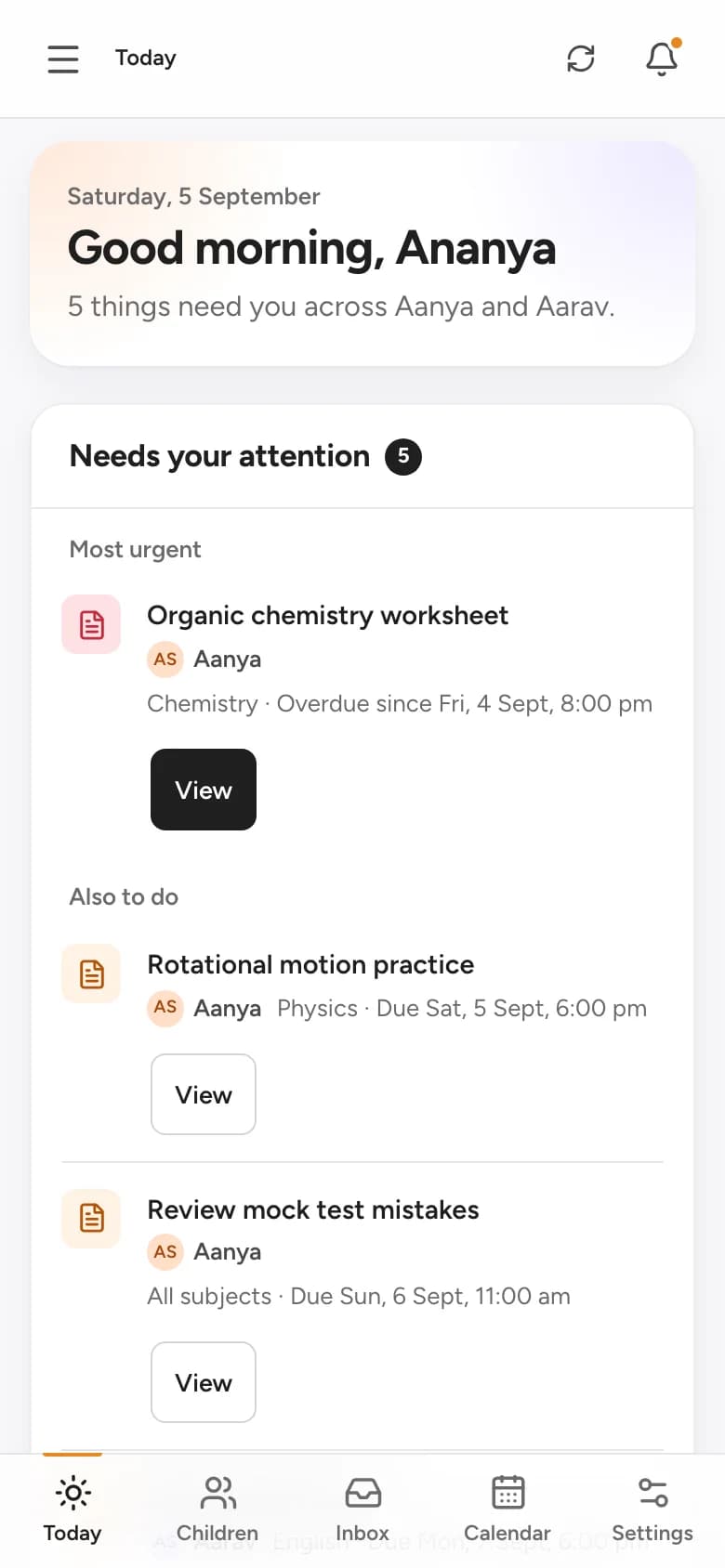
What appears depends on the services your school has connected. Every screen shows a sample family.
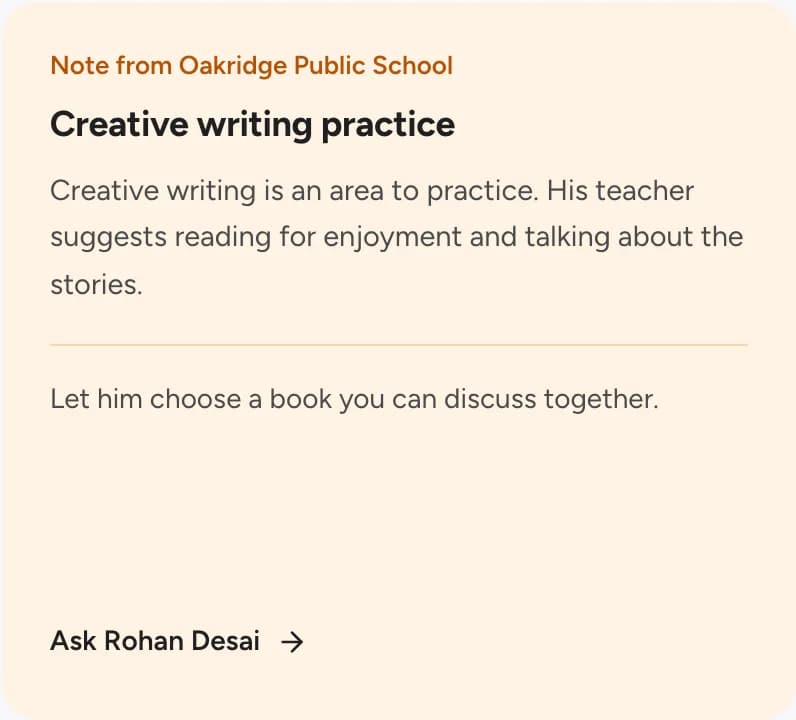
Published results with the teacher’s feedback and practical ways to help at home.
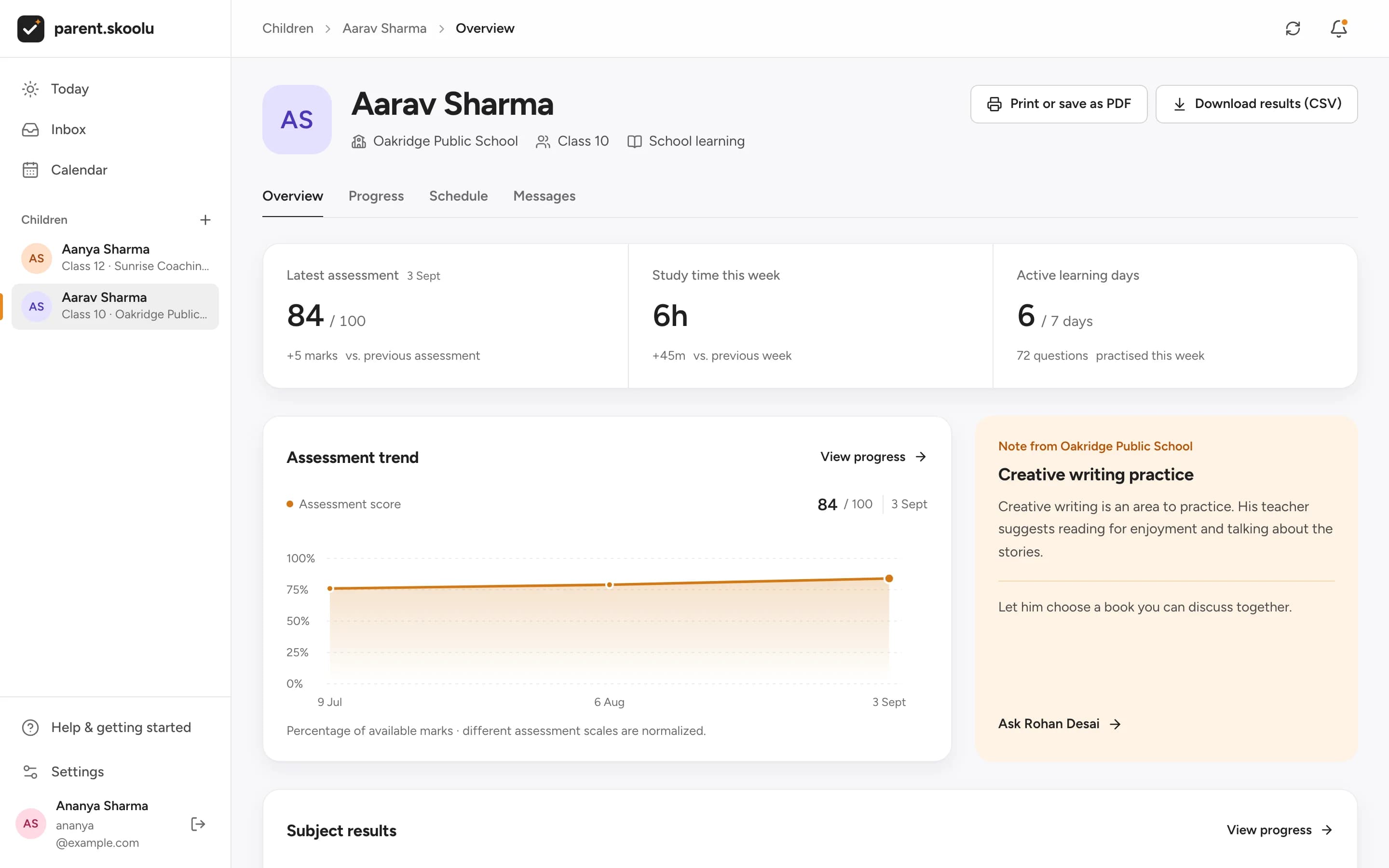
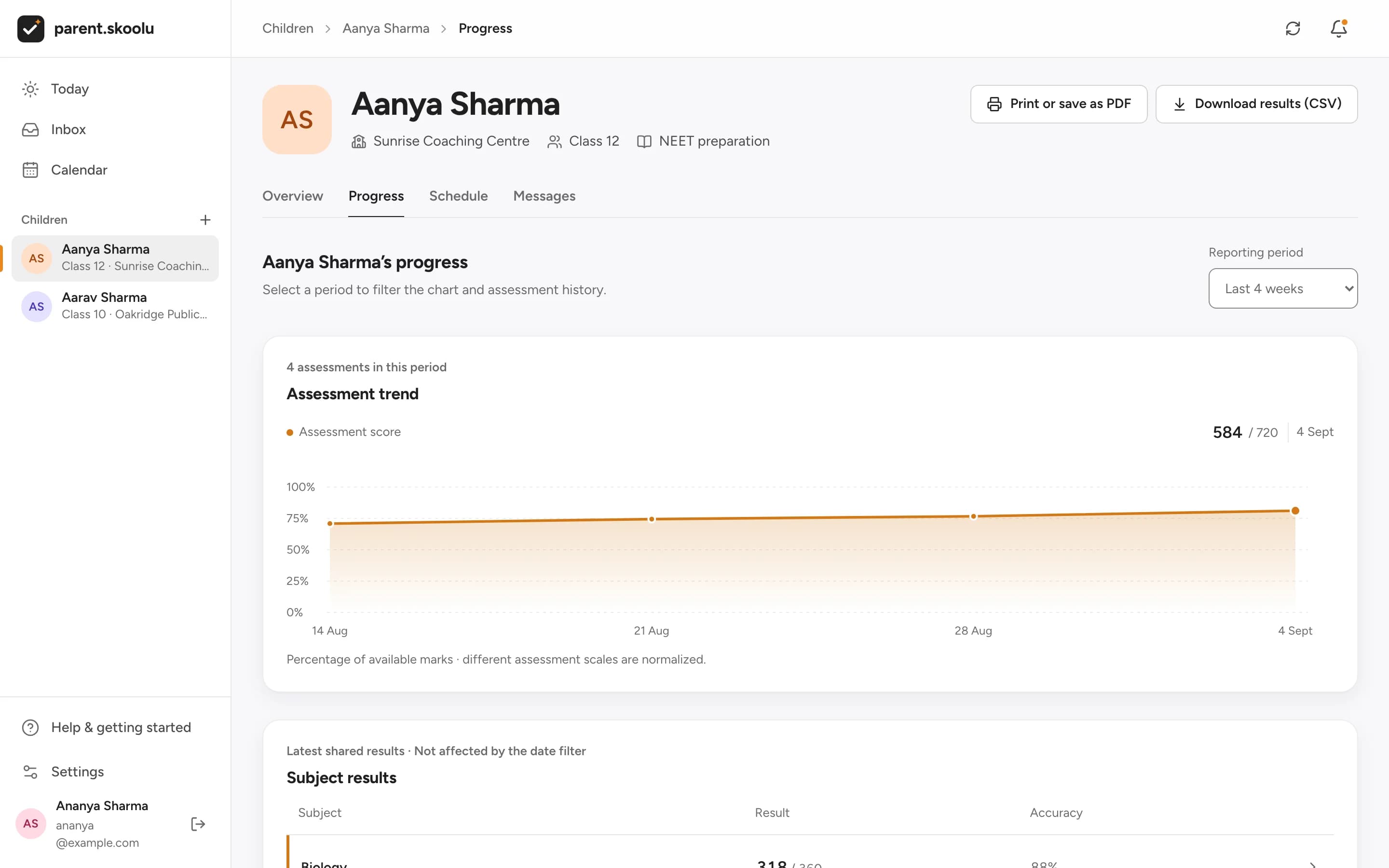
Choose a reporting period to see every assessment in it, and the latest results by subject.
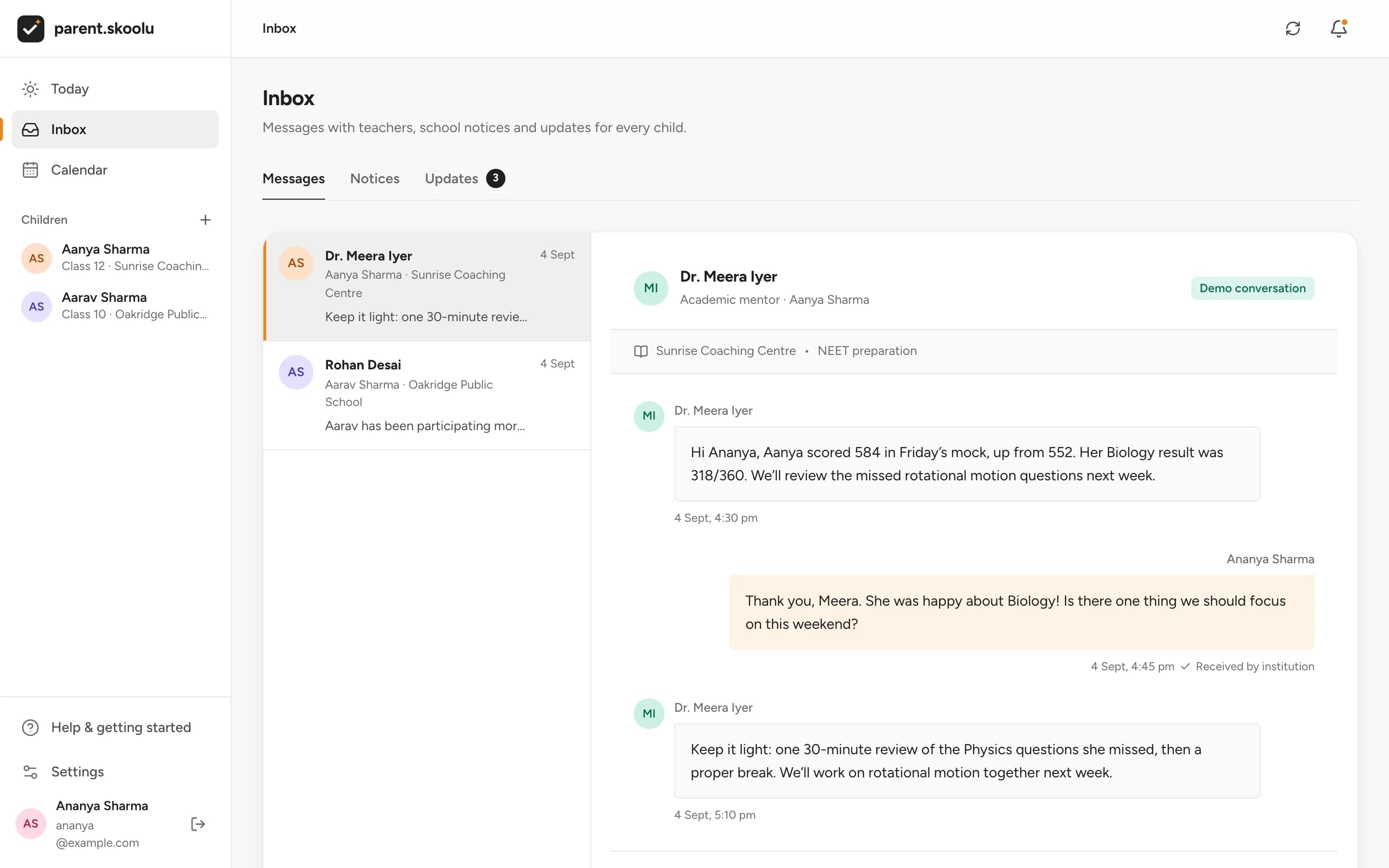
School notices in one place, and messages with your child’s teachers where the school allows it.
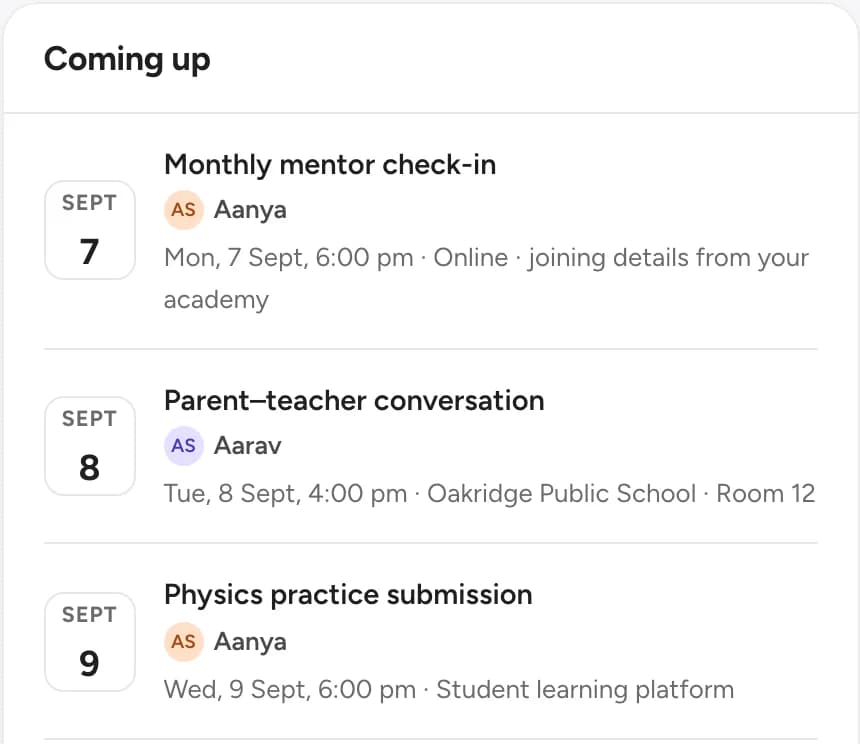
Test dates, deadlines and parent meetings the school shares, with meeting bookings in the slots it offers.
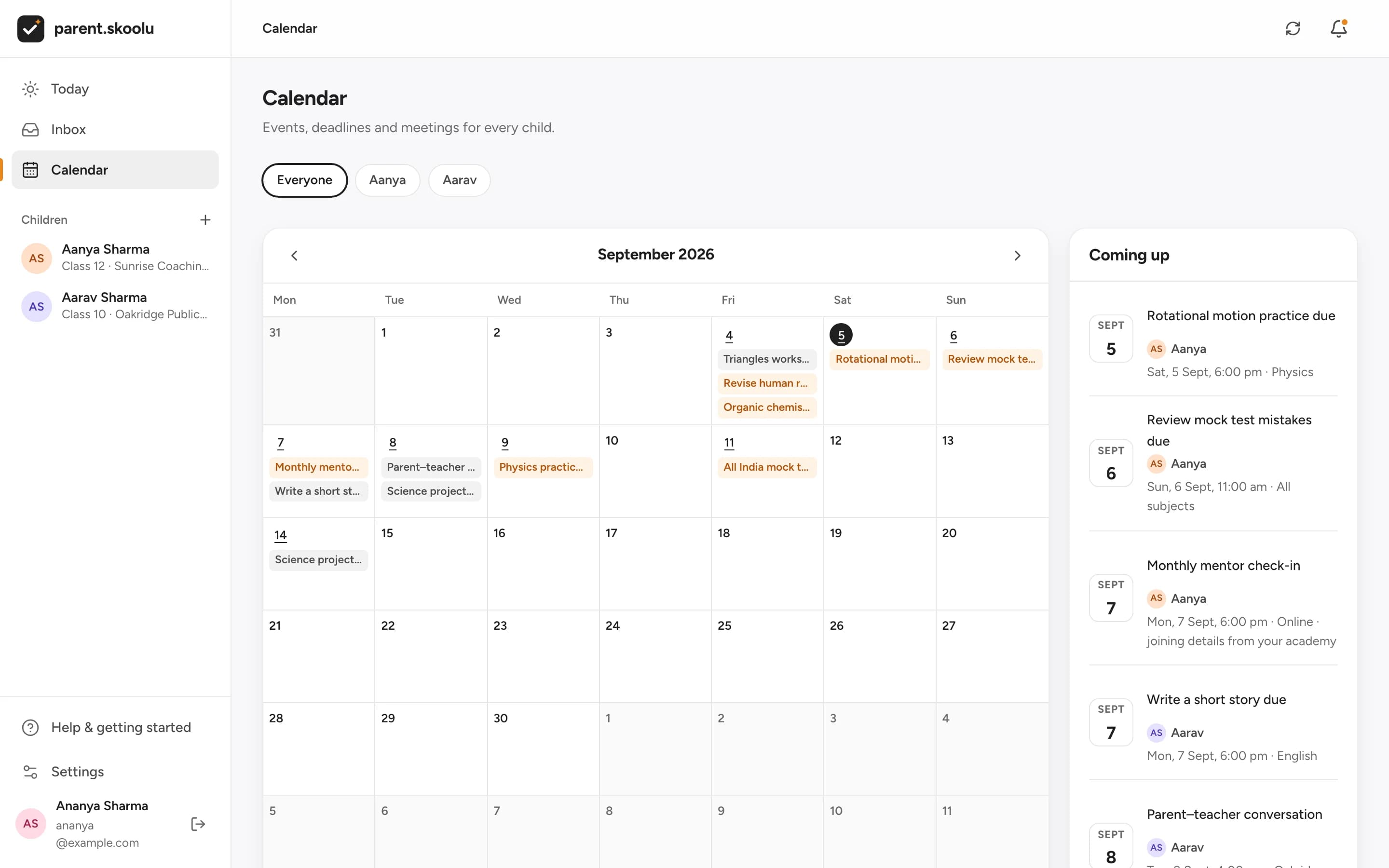
Your school decides what it shares, and you see only your own children.
parent.skoolu shows families what your school publishes in Skoolu Office and Skoolu Plan, for their own children only. You decide what is shared.
Families see their child’s records from Office, with a notice when something new is published, such as a result, a fee or a circular.
Visit office.skoolu.aiFamilies read each child’s published results, current work and teacher guidance on how to help.
Visit plan.skoolu.aiThe AI teaching assistant for your teachers, in the same Skoolu family. AI drafts; teachers approve.
Visit skoolu.aiYour school office can help with invitations and links to your children.
Your school links children to your account. Ask the school office to check the email address it has for you.
Tell the school office straight away so it can correct the link.
Ask your school office. Only your school can invite you.
Yes. One account shows your children from each school that connects.
Your child’s school. For questions about this app or your account, use Contact us at the foot of this page.
We’ll show you how it works with your school’s own setup.